

Circle Sound
SyncVR
VR Game Development & Design
Creating a Virtual Reality (VR) game to help hospital patients of all ages relax before, during and after surgery.
2022/2023
Project Information
During my studies, I completed an internship exploring the serious gaming industry, which focuses on games with meaningful purposes beyond entertainment. I joined SyncVR Medical's Relax & Distract division, working on applications designed to comfort patients before and after surgery. My primary responsibility was developing a VR minigame. Collaborating with another intern who specialized in engineering proved invaluable, as this was my first experience in VR game development.
Concepts
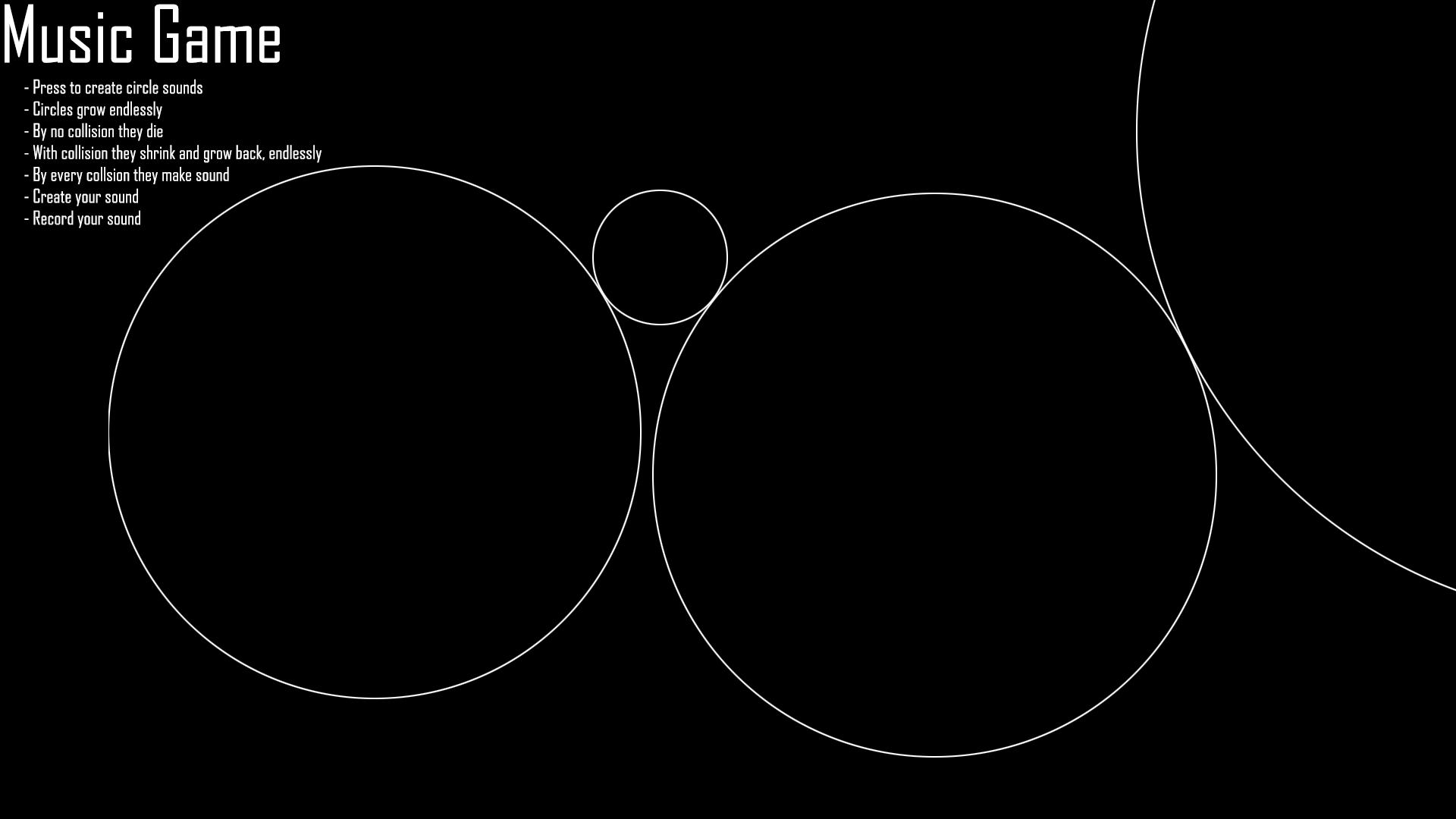
The development phase challenged my C# programming skills significantly, prompting me to seek assistance from Tycho Tuitert, who joined our collaboration. Working with the other intern, we brainstormed eight diverse game concepts, ranging from bartending simulations to plant nurturing experiences. We employed SWOT analysis alongside the company's design restrictions to determine the optimal concept. Our final selection was the "Music Game", an interactive sandbox where players generate circular shapes that produce musical notes when they expand and collide. We considered this concept both the most engaging and technically challenging option.
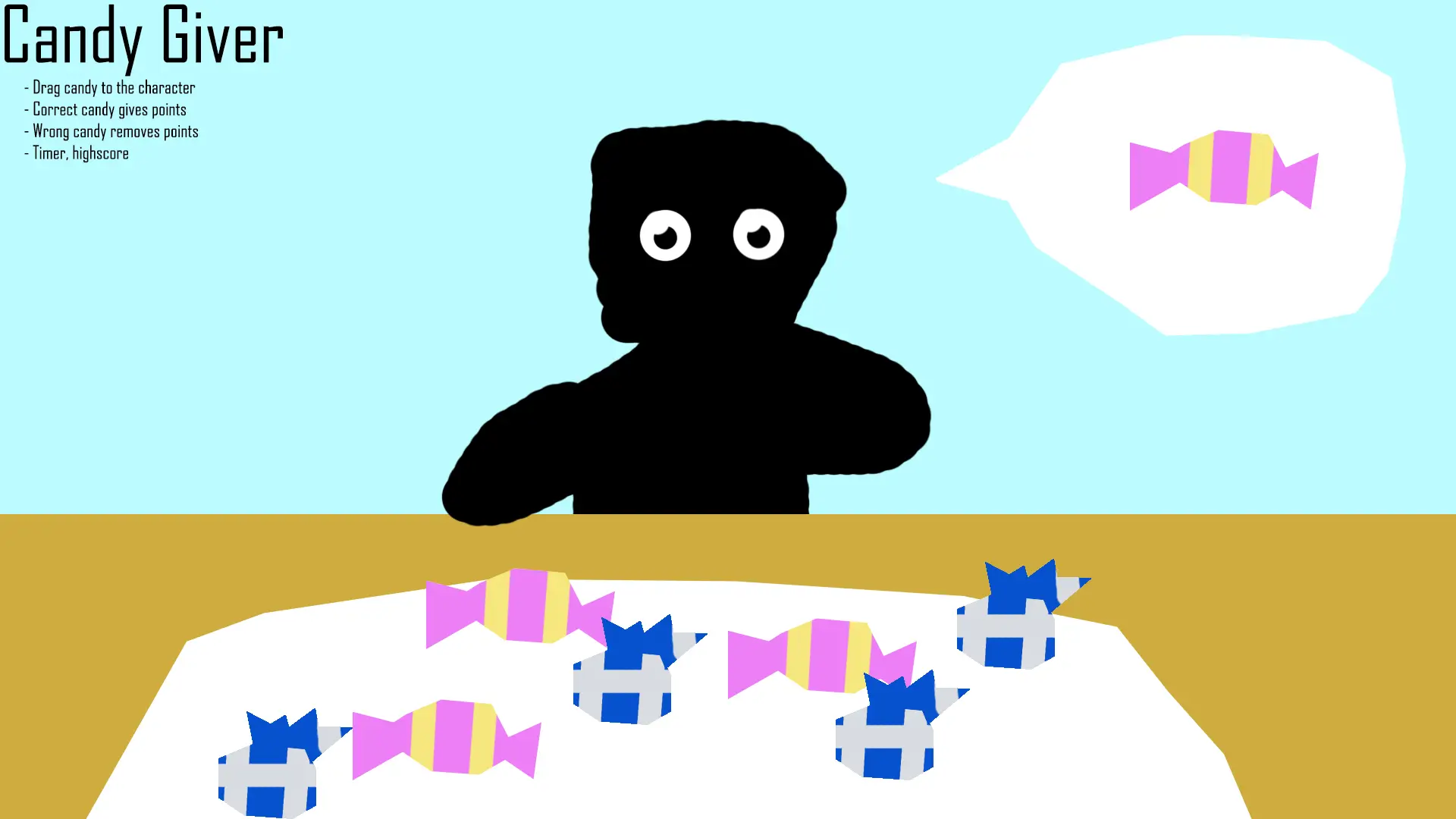
Visual representation of this and two other concepts are provided below.
Restrictions
Throughout the conception phase, we regularly consulted our supervisor. This helped us understand the game's requirements. It was essential for the minigame to be accessible to both children and the elderly, therefore the company preferred a simple point-and-click mechanism. They also expressed a need for games that resonate with young adults, since current minigames are mainly aimed at children. Additionally, we had to ensure our game themes were child-friendly, avoiding topics like alcohol, drugs, addiction, and candy.

Experimentation
During the prototyping phase, I began by creating a proof of concept featuring interactive spheres, later transitioning to more complex shapes like toruses, which presented significant collision and spawning challenges. I employed various strategies to overcome these obstacles, including dividing toruses into multiple components and experimenting with different 3D models.
Incorporating Unity's particle system and shader graphs, I enhanced the game’s visual appeal. However, glitches, such as unexpected object expansions and collisions, persisted, necessitating continuous troubleshooting and adjustments, including transitioning from a 3D to a 2D approach as advised by my supervisor. This shift simplified some aspects, like collider creation, but introduced new challenges, like reconciling 2D objects in a 3D environment.
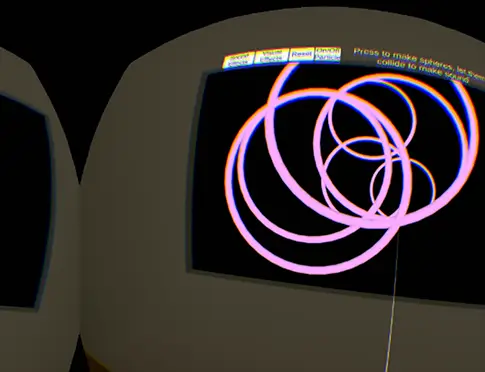
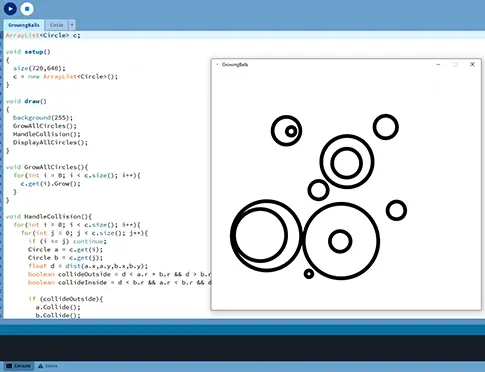
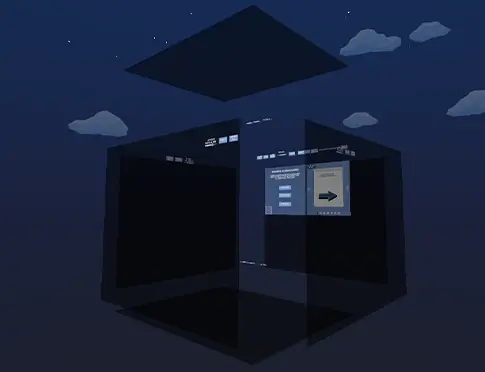
Left image illustrates problems with torus collision in Unity's game engine; Center image illustrates quick prototyping in Processing; Right image shows different screens forming a box in which the player can interact.
User Interface
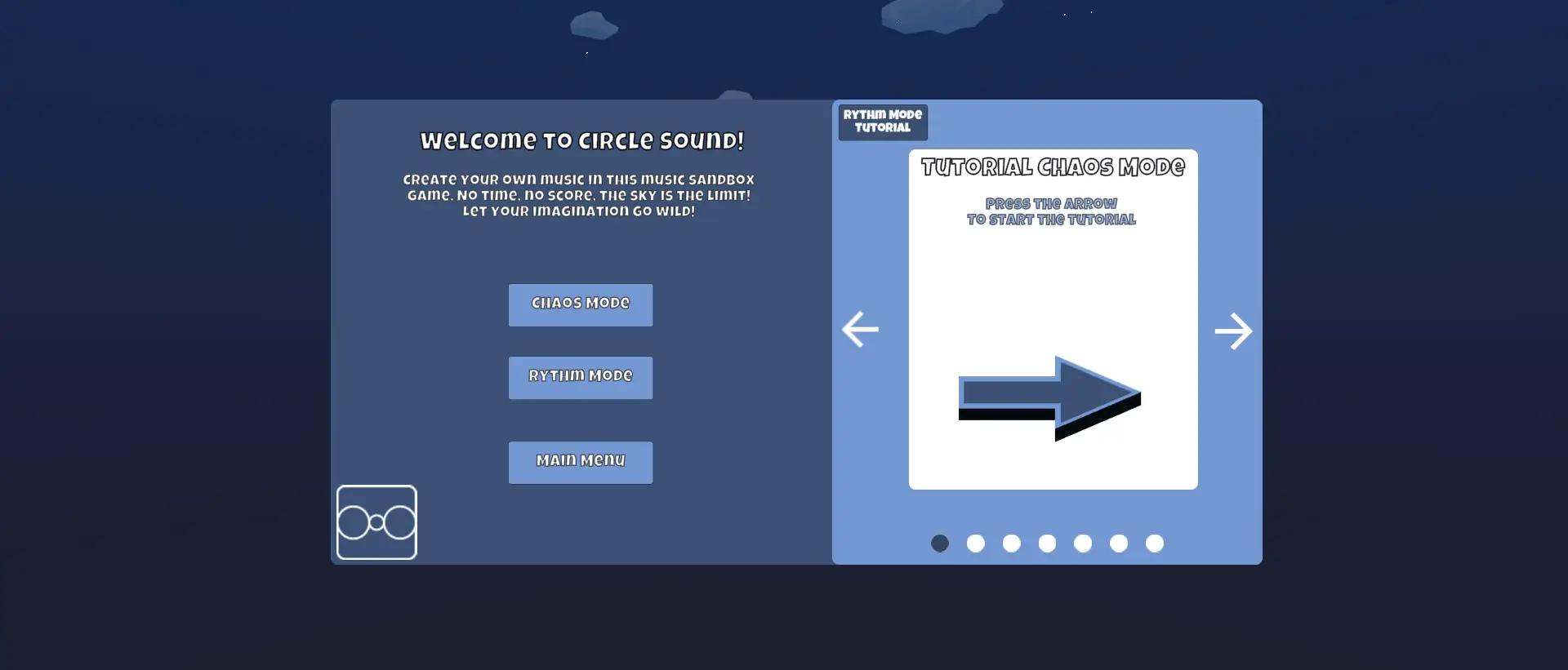
As development progressed, I recognized that our game's complexity required tutorial support. I designed a main menu system enabling mode selection and tutorial access. Creating the tutorial required developing animations within Unity. While my previous Unity animation experience had been challenging, I successfully mastered the techniques needed for this project.
A few of these tutorial animations can be seen below.
Final Result
Extensive iterations were made throughout development based on playtesting feedback. Initially, the circles were plain white, which lacked visual appeal. I experimented with Unity's particle system to enhance the circles, but this proved too performance-intensive for the Pico G2 4K VR headset. I solved this by designing animal-shaped circles, making the experience more engaging for children while maintaining broad appeal. Each animal circle corresponds to a unique sound. I also implemented scrollable lists for selecting different sound effects and beats, and added a grid texture to the interactive screens to provide spatial reference points for circle placement, a feature requested during playtesting.
I developed two distinct play modes to accommodate different user preferences. Chaos mode maintains the original concept where each circle moves independently, creating a more challenging beat-making experience. Rhythm mode simplifies beat creation by using a scanning line that triggers sounds at set intervals rather than relying on circle collisions. This mode provides players with greater control over their musical compositions and more predictable rhythm patterns.
The final result can be seen below. Left: Rhythm Mode; Right: Chaos Mode.